Sistemo v0.6.0: Web Dashboard
Manage your entire Sistemo setup from the browser. Deploy machines, SSH into them, build Docker images, and monitor system health — all at localhost:7777/dashboard/.
v0.6.0 ships the feature that ties everything together: a full web dashboard. Every operation you can do from the CLI now has a browser-based counterpart. Under the hood, the entire state layer has been rebuilt on SQLite, named networks are here, and volumes got a proper lifecycle. Here's what's new.
Web dashboard
Start the daemon and open http://localhost:7777/dashboard/ in your browser. On first visit, you'll create an admin account. After that, sessions are managed with JWT tokens.
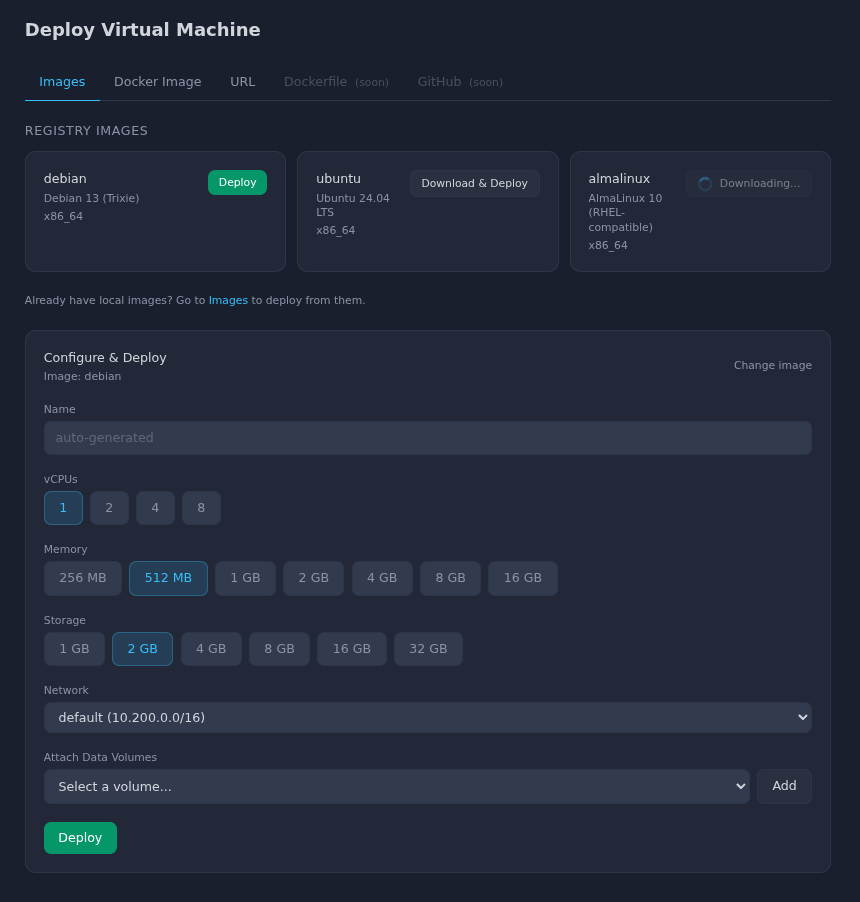
Deploy machines from the browser
Pick an image from the registry, a Docker image, or a URL. Set CPU, memory, and storage. Click deploy. The machine starts in seconds, same as the CLI.
In-browser SSH terminal
Click into any running machine to open a full terminal session. This is a real SSH connection over WebSocket using xterm.js — not a simplified console. Copy, paste, scrollback, resize — it all works.
Docker image builds with live progress
Point the dashboard at a Dockerfile and watch the build stream in real time. Each layer's output appears as it runs. When the build finishes, the image is ready to deploy immediately.
Full resource management
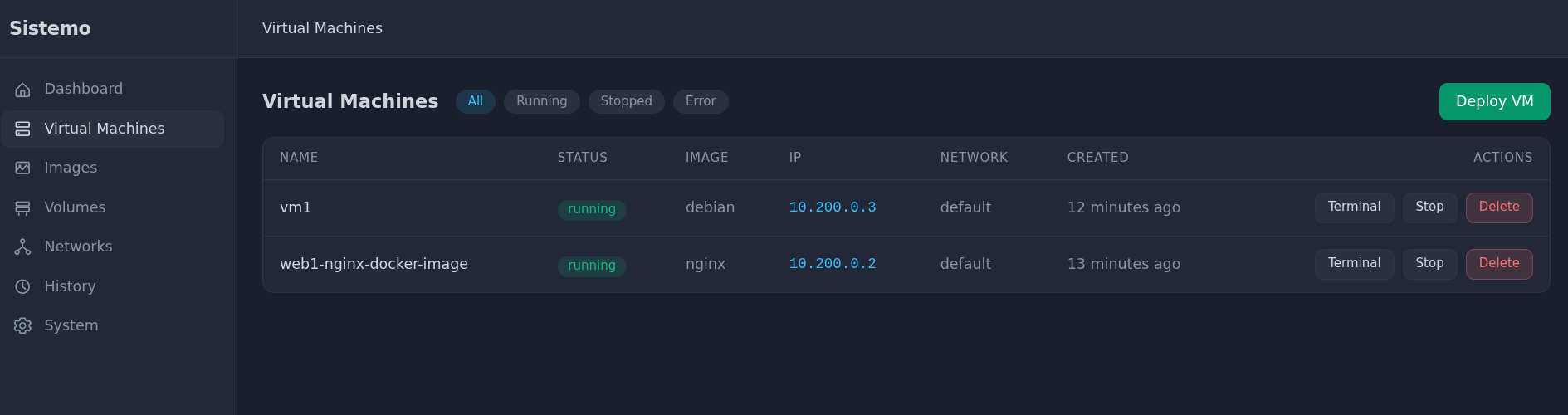
Machines, images, volumes, networks, port mappings — every resource type has its own view. Create, inspect, delete, all without touching the terminal.
System health monitoring
The dashboard shows live CPU, RAM, and disk usage for the host machine. Activity history is filterable by action type, so you can track exactly what happened and when.
Localhost bypass
The CLI still works without authentication when running on the same machine as the daemon. Auth only applies to browser sessions and remote API access. Your existing scripts and workflows are unaffected.
SQLite-backed state
All state — machines, volumes, networks, ports, audit logs — now lives in ~/.sistemo/sistemo.db. No more scattered JSON files. The database uses WAL mode for concurrent reads and runs automatic schema migrations on every daemon restart.
$ ls ~/.sistemo/sistemo.db
/home/you/.sistemo/sistemo.db

$ sistemo history --action create
TIME                  ACTION    RESOURCE   NAME
2026-03-26 10:15:02   create    machine    web
2026-03-26 10:14:58   create    volume     web-root
2026-03-26 09:30:11   create    network    production
Every operation is recorded in the audit log. Filter by action, resource type, or time range from the CLI or the dashboard.
Named networks
Machines can now be placed on named networks. Machines on the same network can talk to each other directly. Machines on different networks are isolated.
# Create a network
sistemo network create production

# Deploy machines onto it
sistemo machine deploy debian --name api --network production
sistemo machine deploy debian --name worker --network production

# api and worker can reach each other
# Machines on other networks cannot reach them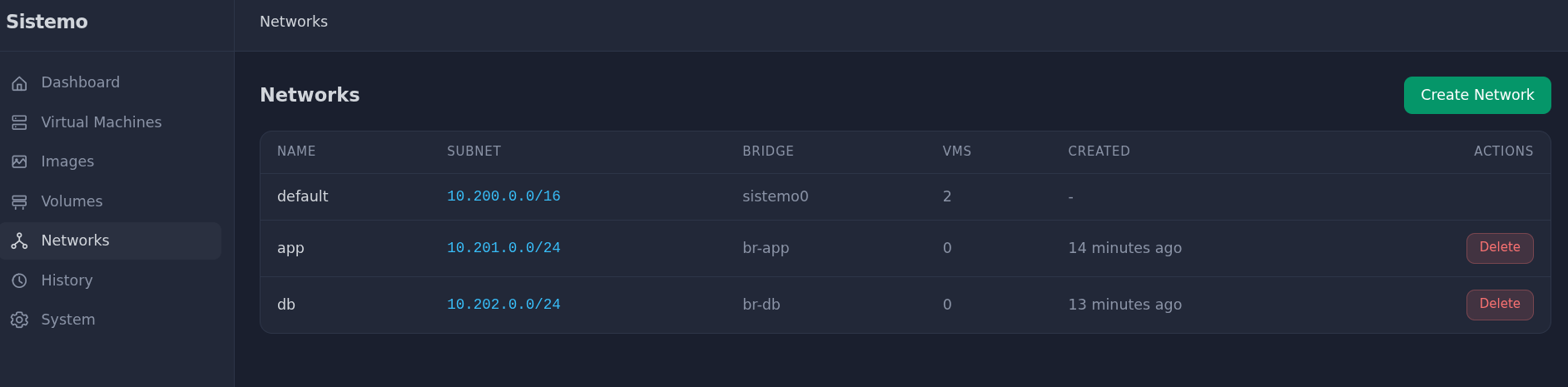
Volume lifecycle
Building on v0.5.0's storage foundations, volumes now have a complete lifecycle: create, resize, attach, detach, boot from volume, and preserve on delete.
# Create a standalone volume
sistemo volume create 5G --name pgdata

# Attach to a running machine
sistemo machine stop db
sistemo machine volume attach db pgdata
sistemo machine start db

# Resize without redeploying
sistemo machine stop db
sistemo volume resize pgdata 20G
sistemo machine start db

# Detach and reattach elsewhere
sistemo machine stop db
sistemo machine volume detach db pgdata
sistemo machine volume attach db-replica pgdata
sistemo machine start db-replica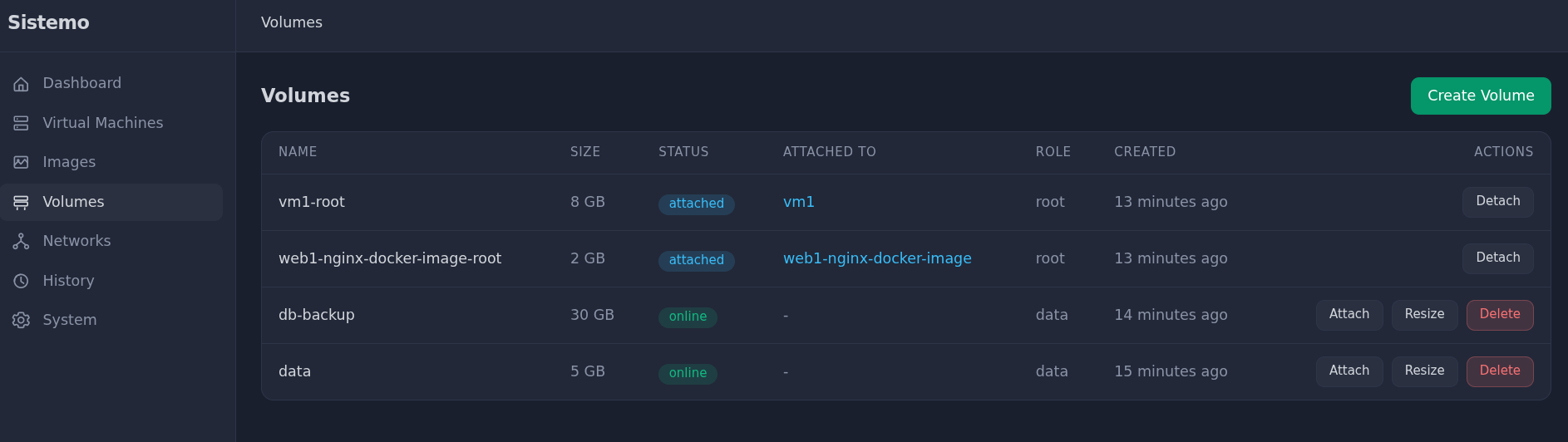
Admin CLI
Forgot your dashboard password? Reset it from the command line. View the full audit trail with filters.
# Reset the admin password
sistemo admin reset-password

# View history filtered by action
sistemo history --action create
sistemo history --action delete
Other improvements in v0.6.0
- ARM64 image downloads — fixed image fetching on ARM boards like Raspberry Pi and Ampere, with clearer error messages when architecture mismatches occur
- Image hardening — ext4 journaling is now enabled on all root volumes, e2fsck validation runs automatically, and Docker builds clean up
policy-rc.dfiles properly - Service install improvements — reinstalling the daemon service now auto-restarts it so that pending SQLite migrations run immediately